01 / ENVIRONMENTEverything the task needs.
Everything the task needs.
Inside one environment.
Your code, tools, services and app preview stay together in one isolated environment.
Environment running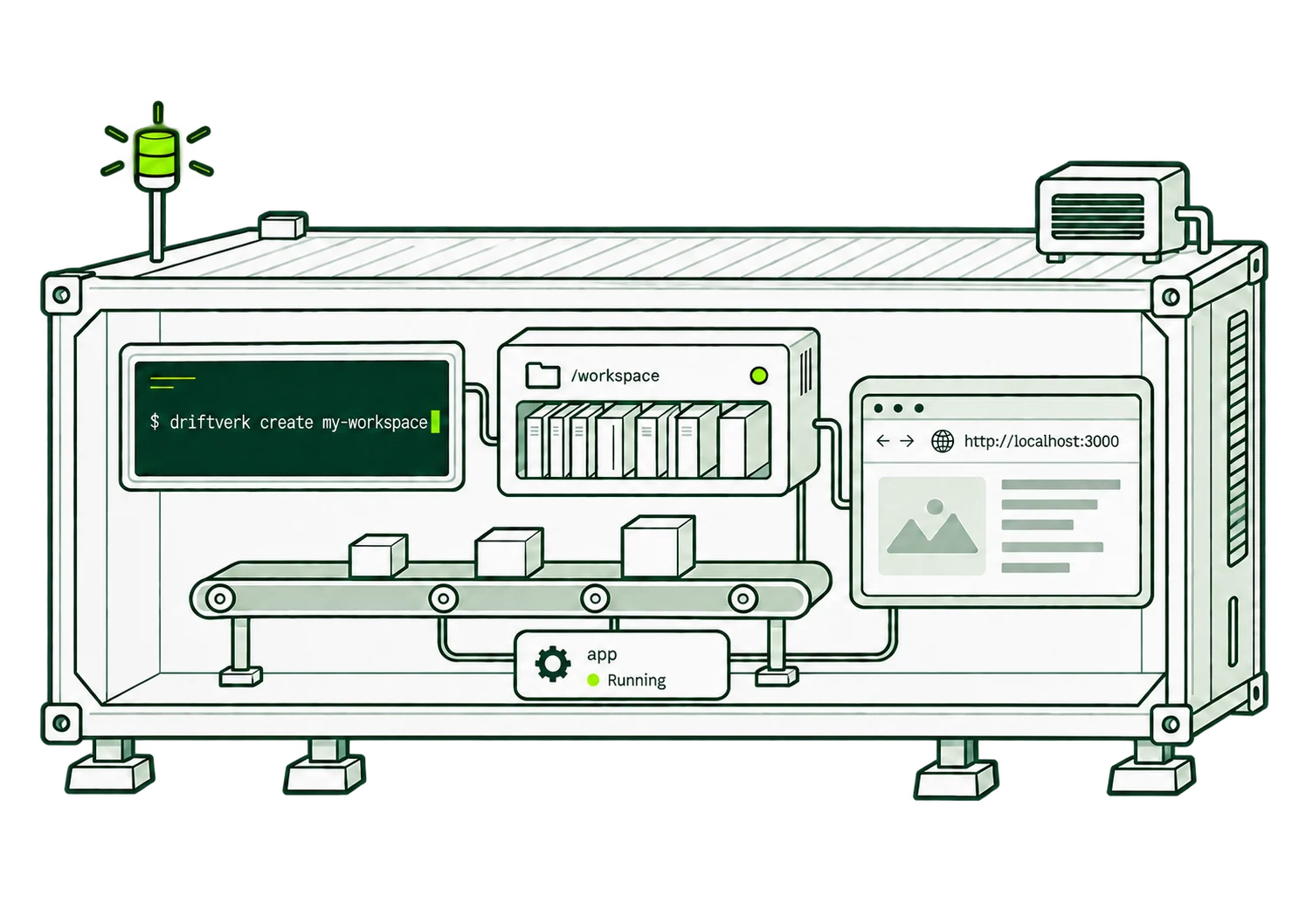
Cloud environments for your coding agents.
Run it from your GitHub repository. The CLI guides you through sign-in and creating your environment.
Your code, tools, services and app preview stay together in one isolated environment.
Environment runningInstall tools, run tests and inspect the result. Each task has its own filesystem, processes and ports.
Three separate environments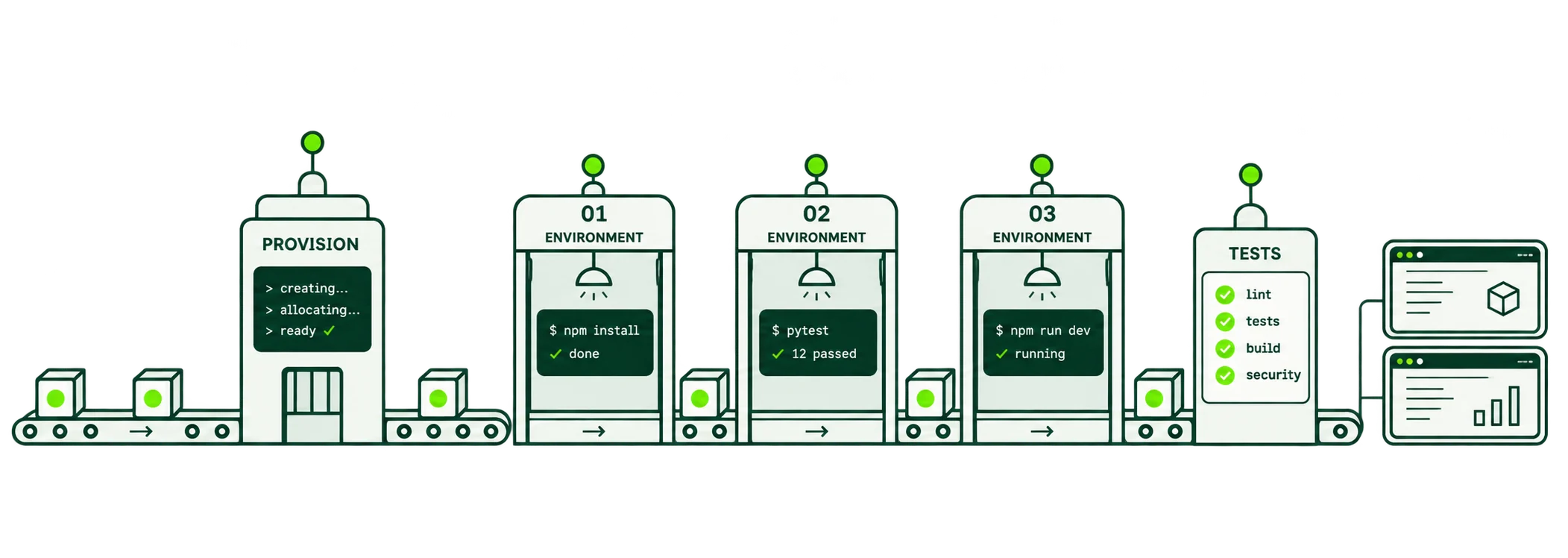
Save the filesystem and installed dependencies as a snapshot, then restore it into a fresh environment.
A starting point for the next task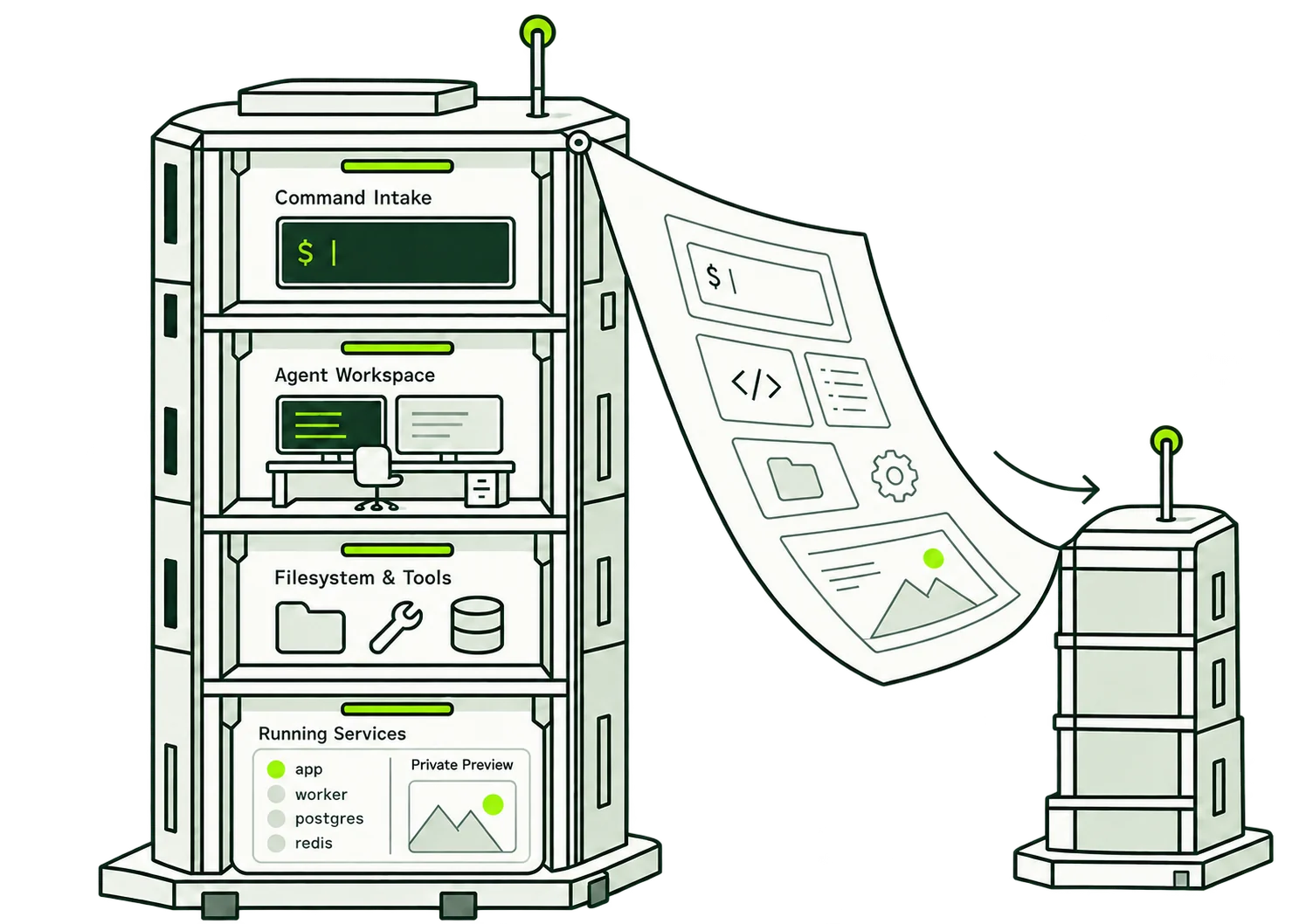
Connect agents through MCP or the API. Use the terminal or driftverk ssh my-workspace when you want to work directly.
Pay for the resources you use.
estimated compute + memory
before tax
Storage and external services billed separately.
Full pricing ↗Install the CLI on macOS, Windows or Linux. Run driftverk create my-workspace from your GitHub repository, then follow the prompts to sign in or create an account and choose your environment.